Turn any photo into a pixel quilt.
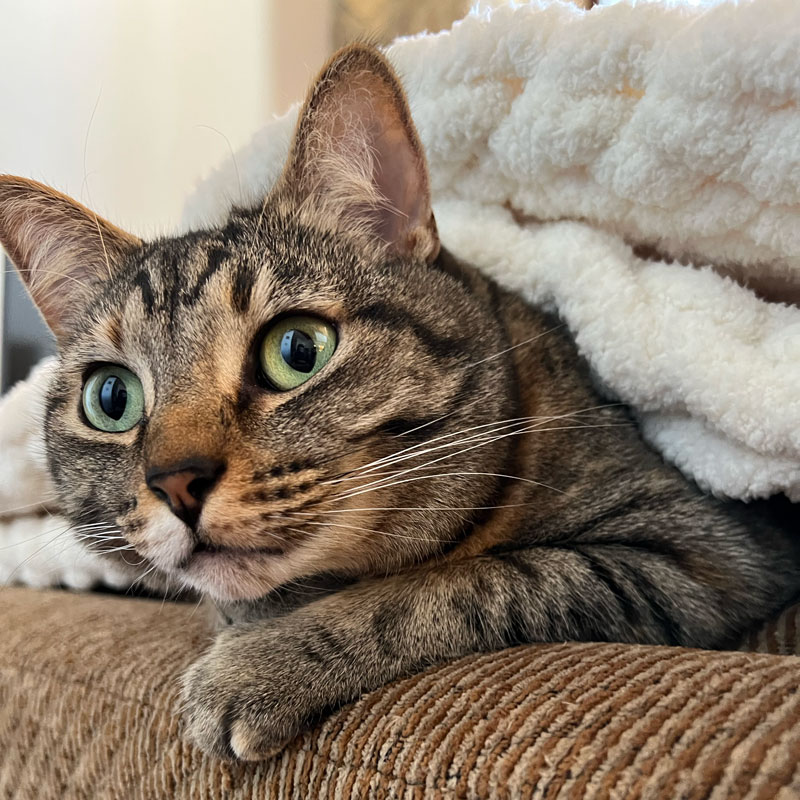
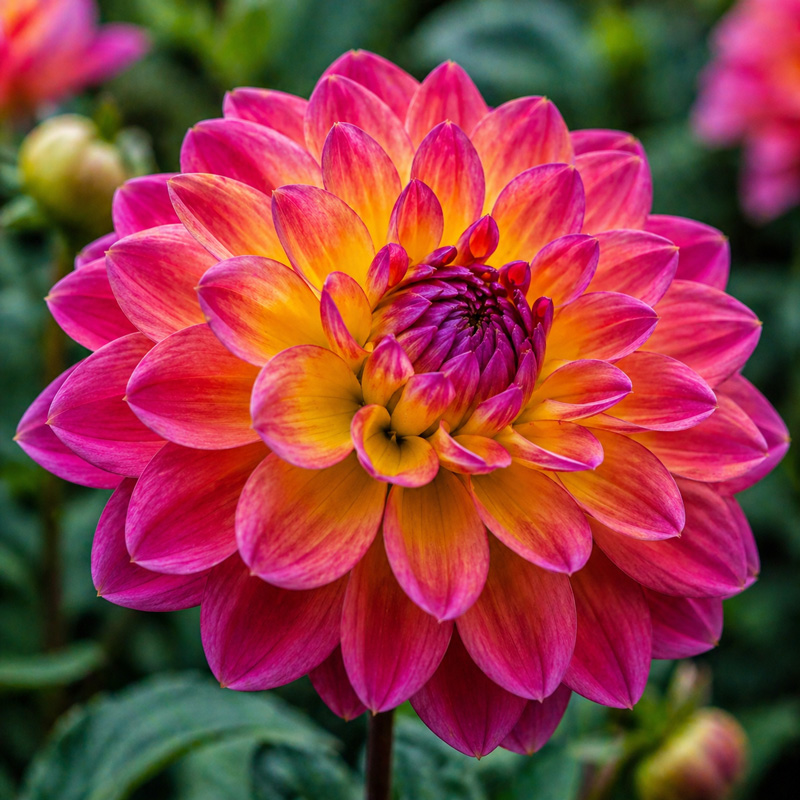
Your pet, a favorite place, someone you love — upload a photo and it becomes a quilt pattern made from real fabric solids.
Photo to pattern in three steps
Then unlock it for $5, or upgrade to the Maker plan, to get its printable worksheet.
Upload a photo
Bright colors, a simple background and even light work best.
Pick your fabric line
Kona Cotton, Bella Solids, AGF Pure Solids or Confetti Cotton. Every square matches a real fabric.
Play until you love it
Change the shape and grid size, limit the palette, adjust the contrast or resample. Then tap Use this pattern.
From photo to quilt pattern
Drag the handle to compare the photo and the quilt.
A real quilt you can actually make
Cut it, piece it, snuggle it.
Real fabrics, not just pixels
Unlock your pattern for $5 to get the yardage and cutting list for every fabric, then track each step from cutting to binding.
Every square is editable
Paint over a stray pixel or recolor a whole section with the rest of the studio's tools.
Your photo stays on your device
The photo is processed in your browser and never sent to our servers. Only the finished pattern is saved.
Make your first
pixel quilt.
The photo's already on your phone. The pattern's thirty seconds away.